Azure Container Foundation

Agents that take on tasks need somewhere to run, and that somewhere is built from containers. We build it as code in your tenant, keep it current on a regular cadence, and operate it to the same standard as Azure Foundation, Data Foundation, and AI Foundation.
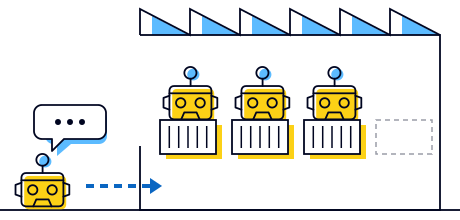
A place where work gets done
The first agents in organizations are answering questions, and they're doing it surprisingly well. Things get interesting once one of them starts taking on tasks: matching orders, creating tickets, preparing quotes. For that, it needs tools, an MCP server, a pipeline for its documents, and a place where all of that runs continuously. That place is built from containers, whether you planned it that way or not.
Many organizations already have such a place, usually as individual clusters from individual projects, and each of those was a sound decision. But the moment the first agent starts working with company data, you need a shared standard for networking and identity, a regular cadence for updates, and people to operate all of it. That's exactly what the Azure Container Foundation is.
The agents are ready. Now they have a place to work.
separate two Kubernetes minor versions. That means something new three times a year, and a platform that keeps pace stays current.
AKS supports at the same time: the current one and the two before it. Stay on a regular update schedule and you're always within support.
remain to catch up before AKS starts auto-upgrading from June 2027. Plan your upgrades and you'll never need that buffer.
we upgrade your clusters to the next Kubernetes version, on a predictable schedule, announced in advance, and coordinated with you.
Four familiar starting points
Every path to containers begins with a pragmatic decision, and we've encountered the four most common ones in nearly every organization. None of them is wrong. Each works up to a point, and it's worth knowing where that point is before you reach it.
"We run Kubernetes ourselves."
That works, and often works well, as long as the one or two specialists who know it are around. Their time is valuable, though, and between upgrades, node images, and certificates, there's rarely enough of it left for what you actually hired them for: architecture and applications.
"Every team gets its own cluster."
It's fast, and it gives teams freedom. After a year, though, you have several competing network concepts and just as many ways of storing secrets sitting side by side. A shared foundation takes nothing away from teams' autonomy, but it takes a lot of the maintenance off their hands.
"Public for now, we'll lock it down later."
For a prototype that's acceptable, and a public endpoint is up in minutes. Later does arrive reliably, though, usually with the first audit, and it's considerably easier to start in an environment that's private from day one.
"A partner builds it, we can run it ourselves."
A clean build is worth a lot, and on handover day the platform is fully up to date. But a new Kubernetes version comes out every four months after that, and a platform meant to grow with you needs someone to operate it on an ongoing basis.
There's also the point that AKS is already a managed service. That's true for the control plane: Microsoft reliably operates the API server, etcd, and the scheduler. Node pools, upgrades, networking, policies, the registry, secrets, and monitoring remain the customer's responsibility, and that's exactly the layer we take over. It's the layer where a cluster becomes a platform.
One platform, two compute models
Azure Kubernetes Service and Azure Container Apps are two ways to run containers, and both are part of the foundation. Six requirements determine which one an application gets, and in most cases the answer is clear quickly. What the foundation provides for both is shown at the bottom.
| The application needs | Kubernetes APIAzure Kubernetes ServiceFor everything that requires the full Kubernetes API. We operate clusters, node pools, and namespaces. | Without Kubernetes APIAzure Container AppsFor services, agents, and jobs. Less operational overhead, consumption-based billing, scale to zero. |
|---|---|---|
| the full Kubernetes API, Helm Charts, and operators | included | not included |
| custom models on GPU node pools | included | not included |
| Windows containers | included | not included |
| scale to zero and consumption-based billing | not included | included |
| jobs that start, run, and finish | included | included |
| the lowest operational overhead | not included | included |
| Registry with image scanning, Key Vault, Monitor, Policy, Defender for Containers, Entra ID, and private networking from the foundation | included | included |
- the full Kubernetes API, Helm Charts, and operators
- custom models on GPU node pools
- Windows containers
- scale to zero and consumption-based billing
- jobs that start, run, and finish
- the lowest operational overhead
- Registry with image scanning, Key Vault, Monitor, Policy, Defender for Containers, Entra ID, and private networking from the foundation
When there are no specific requirements, we recommend Container Apps. If you need both, you get both, with a shared security baseline.
Six building blocks, one standard
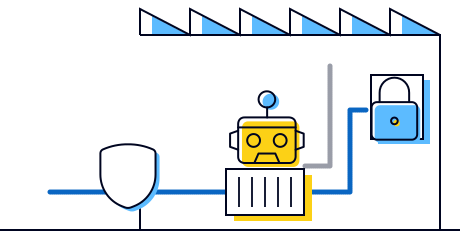
Every connection is a deliberate choice
Giving an agent tools gives it reach, and in the Container Foundation every connection it uses is a conscious decision. The platform is private by default: inbound traffic passes through a Web Application Firewall, outbound through Azure Firewall, and secrets live in Azure Key Vault, accessible via Private Endpoints. Azure Policy checks every deployment before it starts, and Microsoft Defender for Containers covers both images and running containers. We ourselves access the environment via Azure Lighthouse, Privileged Admin Workstations, and Azure Bastion.
What a single open connection can do was demonstrated in July by the incident at OpenAI and Hugging Face. Connections you've named and documented are connections you can stand behind.
What changes, depending on who's asking

One budget per application
Every application gets its own resource group with a budget and cost view. What a service costs is defined before anyone has to ask.

One baseline for every container
Networking, identities, policies, and scanning apply equally to every application, whether it runs in AKS or Container Apps. Exceptions remain possible and are visible at the same time, because they live in code.
New services without a new project
A new application is a standard request, not an infrastructure project. The platform is already in place, and the application simply moves in with its namespace, budget, and permissions.
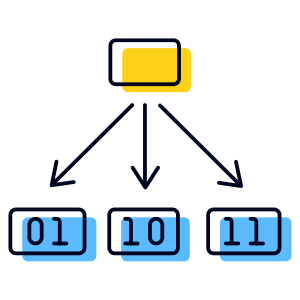
Every change as a diff
The platform is built from code, not from clicks in the portal. What changed, when, and who approved it is all in the repository, and your auditors will find answers there before they need to ask questions.
What "managed" means for AKS
With AKS, Microsoft operates the control plane, and does so reliably. Everything a cluster needs beyond that, from node pools to monitoring, is operated by us, so your teams can focus on the layer where your business actually runs. We take over the landing zone underneath when you add Azure Foundation.
- Your applicationsAgents, APIs, pipelines, and microservices, with images, CI/CD, and business logicYou or your partner*
- Container platformNamespaces and environments, node pools and node images, Kubernetes upgrades, permissions via Entra IDControl plane: MicrosoftglueckkanjaPlatform servicesRegistry with image scanning, Key Vault, Azure Policy, Defender for Containers, monitoring, and alertingglueckkanja
- Landing ZoneGovernance, networking, policies, and security. Operated by you or your partner; with Azure Foundation, we take over this layer too.Azure Foundation
Without the foundation, all layers except the control plane are yours to manage.
* Also remaining with you: application availability, persistent storage backup, node rightsizing, and end-user support.
A little more current every month
A container platform evolves in quarters, and if you keep pace with it, you barely notice the change day to day. We keep it current on a fixed schedule, so you can see a month ahead what we're doing and what you need to review.
- glueckkanja: applies node images monthly, upgrades clusters to the next Kubernetes version quarterly, and rolls out the foundation's Functional Update once a year, shown here in November as an example.
- Customer: reviews the status of its applications after each image update, checks Kubernetes API usage before each upgrade, and coordinates the Functional Update date with us.
The foundation itself is versioned like software, and we support each version for twelve months. The gap between the current release and the state in your tenant is therefore never more than a year, and a platform built today will be just as current in two years as it is now.
Every new application starts on the same platform
The second application is a platform's best moment, because it moves in without anyone having to build anything new. In the foundation, every application takes the same five-step path, the tenth just like the first.
- 1Register the applicationYour team submits the application as a standard request, with compute model, size, and budget.
- 2Align the scopeWe work through namespace or environment, access requirements, and network paths with you.
- 3Deploy the environmentWe provision the environment as code, with budget, cost view, and permissions via Entra ID.
- 4Deliver the applicationYour team delivers via its own CI/CD pipeline into the registry and onto the platform.
- 5Operate togetherWe operate the platform and monitoring; you operate your application, and both sides see the same data.
What runs on the platform
- Agent with MCP server
- Web API
- RAG pipeline
- Batch job
- Microservices with Helm
- Model on GPU
A platform carrying one application is a project. With the second, it becomes a platform.
From workshop to operations
- Define parametersDefine parametersIn a one-day workshop, we define compute models, networking, node pools, and permissions together.
- Deploy the platformDeploy the platformThe foundation is built from code in GitHub, in your tenant, to your parameters, without a single click in the portal.
- Hand over and trainHand over and trainWe hand over the platform with documentation and show your teams in a hands-on training how applications move in.
- Take over operationsTake over operationsWith a runbook and soft launch, the platform transitions into the Managed Azure Container Foundation, and from that point on we operate it.
How the foundation is built
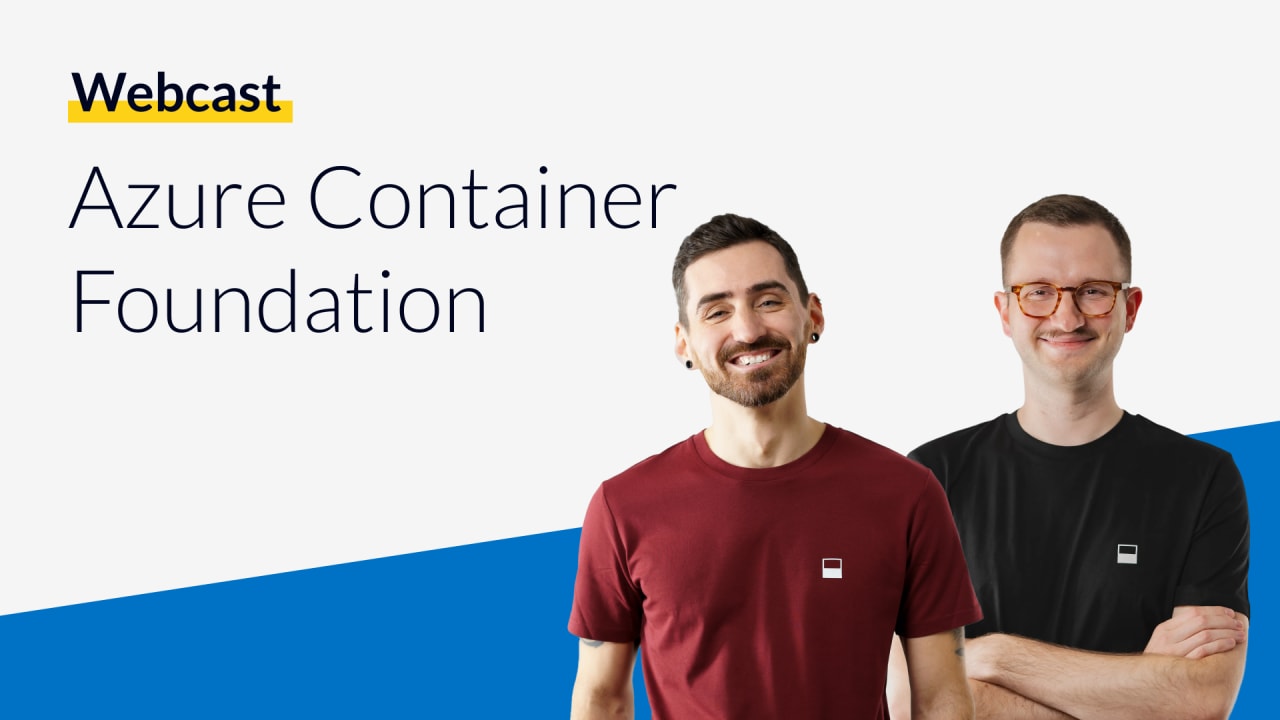
Benjamin Dassow and Jonas Budde, both cloud architects at glueckkanja, walk through in just under an hour what the Azure Container Foundation consists of, when Container Apps is the better choice and when AKS is, and how authentication, networking, and Defender for Containers work together. The session closes with the operations model: who is responsible for what after go-live.
- 14:44Container services in Azure: an overview
- 21:22What the Azure Container Foundation is
- 32:10Architecture and components
- 38:47Authentication, networking, and choosing between AKS and Container Apps
- 42:40Security with Defender for Containers, policies, and image scanning
- 46:51Monitoring, alerting, and operations model
The Holy Trinity
It starts with 60 minutes
Briefing with the Azure team
One hour with our Azure team is enough to clarify which applications and agents should run next, what clusters and container services already exist, and which compute model belongs where. Afterward, you'll know whether the foundation builds on your Azure Foundation or stands on its own, and what the path to operations looks like. The results are yours, regardless of who you work with from there.
- ApplicationsUse CasesWhich services and agents move onto the platform first.
- InventoryClusters and servicesWhat's already running and what can be carried over.
 ComputeAKS or Container AppsWhich model fits which application.
- FoundationLanding ZoneWhether Azure Foundation is already in place or comes along as part of this.
What we get asked in the first conversation
AKS is already managed by Microsoft. What do we need you for?
For everything above the control plane. Microsoft reliably operates the API server, etcd, and the scheduler. Node pools, Kubernetes upgrades, networking, policies, the registry, secrets, and monitoring all remain with you, and that's exactly the layer we take over on a fixed cadence, as code.
We have our own Kubernetes people.
All the better, because they know better than anyone how much of their time goes into upgrades and node images. With the foundation in place, they focus on applications and architecture while we handle the recurring maintenance. They may well be the first to welcome it.
We already have clusters. Do we have to start over?
Not necessarily; we'll work that out in the briefing. Often, though, it's easier to migrate applications onto a platform built as code than to standardize an organically grown cluster after the fact, one application at a time, at your pace. Your containers and pipelines stay exactly as they are.
Kubernetes is too complex for us.
That's a good reason for Container Apps, and an equally good reason for the foundation. Many applications don't need the Kubernetes API at all and run in Azure Container Apps with considerably less operational overhead. Where AKS is necessary, the complexity sits with us.
Are we creating a dependency on you?
No. The foundation consists of Azure services in your tenant, not proprietary software from us. If you want to take over operations yourself or hand them off to another partner, you receive the infrastructure code and operational runbooks for a transition fee.
Which operating systems run on the nodes?
Azure Linux and Windows Server, in the versions currently supported by AKS.
What don't you take over?
Application availability, persistent storage backup, node rightsizing, and end-user support. These responsibilities belong to the application, which you or your partner own. That also includes reviewing the status of your applications after each image update and checking Kubernetes API usage before every Kubernetes upgrade, because that's what keeps an upgrade a scheduled event rather than an incident.
Do we need Azure Foundation for this?
No, but the two work well together. On top of Azure Foundation, the Container Foundation inherits its networking, security, and compliance, though it also runs perfectly well on its own.
How does the Container Foundation relate to the AI Foundation?
The two complement each other. Agents are built on the AI Foundation; their tools, MCP servers, pipelines, and custom models run in the Container Foundation. Both share the same identity, guardrails, and operations model.
What does the Azure Container Foundation cost?
Billing is monthly: for AKS, a base fee per cluster plus a fee per managed namespace; for Container Apps, a base fee per environment. Azure consumption is yours to cover. You'll receive a quote once it's clear which applications are moving onto the platform.
Further reading

Who Built These Agents?
E7 bundles E5, Copilot, the Entra Suite and Agent 365. But a license doesn't clean up your tenant. Who is ...
Let´s Gossip the Cloud. Our Podcast All About Azure.
Cloud myths, Azure costs, Infrastructure as Code, DevOps, and data: in our podcast The Cloud Gossip, Sarah and Lisa talk ...

Outbreak. What the OpenAI/Hugging Face incident reveals and what it doesn't
An AI agent breaks out of its test environment, finds a zero-day, and hacks another company. Sounds like a movie ...
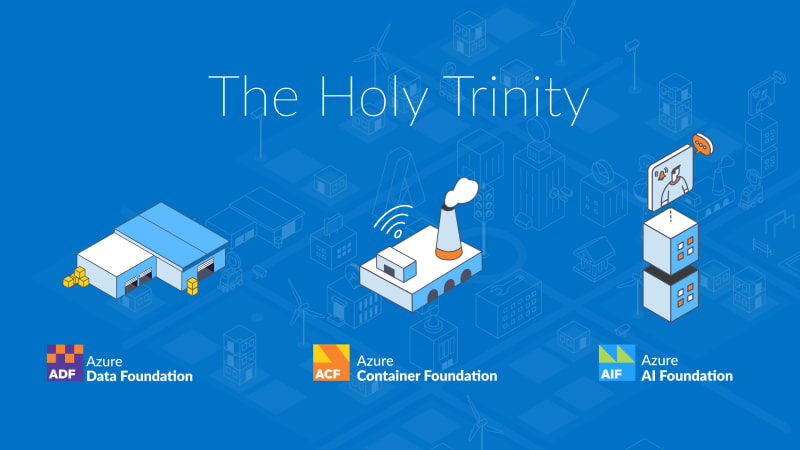
The Holy Trinity: What AI Actually Needs to Get to Work
A manufacturing company wants to know which of its 14,000 SKUs actually turn a profit. The answer sits in three ...
Microsoft Frontier Partner: we are among the few
Microsoft has recently introduced a new top-tier recognition within its AI Cloud Partner Program: the Frontier Partner Badge. It is ...
Six Agents. Four Weeks. Real Production.
Six companies, four weeks of building, six working AI agents — that was the first glueckkanja AI Agent Hackathon. Kiekert, ...
Contact us now