

Who Built These Agents?
E7 bundles E5, Copilot, the Entra Suite and Agent 365. But a license doesn't clean up your tenant. Who is accountable for an agent and what it can access is a decision for operations, not procurement.

In a customer tenant with 3,000 users, our first inventory turned up 280 agents. 170 of them had no owner still at the company. Nobody malicious built them; they were built by business units that needed a quick fix. That is exactly how service principals came into being ten years ago, and nobody has cleaned those up either. Agents are repeating the pattern, just faster and at greater scale.
What a License Can't Do
E7 bundles E5, Copilot, the Entra Suite and Agent 365. What is included in the package has been covered extensively elsewhere. A license does not clean up your tenant. It gives you the tools to see, identify and control agents. Whether a given agent should exist, who is accountable for it and what it is allowed to access are not questions a license answers.
Add to that the pace. Agents are being created today in the same places Excel macros used to be: inside business units, quickly and without a ticket. That is intentional, and we think it is the right way. It does mean, however, that the number of non-human accounts in the directory is growing faster than any other category.
What the Registry Shows and What It Doesn't
Agent 365 collects agents from Microsoft 365, Copilot Studio, Power Platform and Foundry in one place. Defender for Endpoint additionally finds locally installed AI agents on endpoints, including configured MCP servers. Both land in Advanced Hunting and can be evaluated together with KQL. Shadow AI in the most literal sense.
This query shows which agents are actually being invoked and which tools they use in the process:
CloudAppEvents
| where ActionType in ("InvokeAgent", "InferenceCall", "ExecuteToolBySDK", "ExecuteToolByGateway")
| extend RawEventData_parsed = parse_json(RawEventData)
| extend
    Workload          = coalesce(tostring(RawEventData_parsed["Workload"]), "Unknown"),
    TargetAgentName   = coalesce(tostring(RawEventData_parsed["TargetAgentName"]), "Unknown"),
    AgentName         = coalesce(tostring(RawEventData_parsed["AgentName"]), "Unknown"),
    AgentBlueprintId  = coalesce(tostring(RawEventData_parsed["AgentBlueprintId"]), "Unknown"),
    PlatformAgentType = coalesce(
        tostring(RawEventData_parsed["PlatformAgentType"]),
        tostring(RawEventData_parsed["CopilotEventData"]["PlatformAgentType"]),
        "Unknown"
    )
| project-away RawEventData_parsed
| summarize count() by ActionType, Workload, TargetAgentName, PlatformAgentType, AgentName, AgentBlueprintId
One caveat applies: this query only shows part of the picture, primarily Microsoft-native agents and agents built on Microsoft platforms. Whatever is running alongside those is not visible here.
For local agents on endpoints, Defender for Endpoint Plan 2 is sufficient:
AgentsInfo
| where Platform == "LocalAgents"
| summarize arg_max(Timestamp, Name, Version, LifecycleStatus, RawAgentInfo) by AgentId
| where LifecycleStatus !in~ ("Deleted", "Uninstalled")
| extend AgentMetadata = RawAgentInfo.localAgentMetadata
| extend Vendor = tostring(AgentMetadata.vendor),
         Device = tostring(AgentMetadata.deviceName)
| summarize DeviceCount = dcount(Device) by Agent = Name, Vendor
| sort by DeviceCount desc
An agent acting on behalf of a user inherits that user's permissions. If that user has access to a SharePoint library that is shared far too broadly, so does the agent. The difference is that the agent is faster and more thorough than any human.
An autonomous agent with its own identity works with its own permissions. It needs someone accountable for it, a clean permission profile and an expiration date, just like any other account that touches company data.
The registry shows what is there. Whether it should be there is a judgment call, and that judgment is never finished.
Agents Need Identities, No Exceptions
Agents built with Entra Agent ID get their own managed identity. Agent Blueprints let you define how an agent is built and what permissions it receives before it even exists. And with Entra ID Governance, access reviews and lifecycle management apply to agents as well: create, approve, assign owners, review regularly, let expire.
Conditional Access can be applied to agent identities and blueprints, but not in the same way as for users. Policies scoped to "all users" do not cover agent accounts, and anything authenticating via API key bypasses Entra entirely. You need to know these gaps before you rely on the policy.
That sounds obvious. In practice it rarely is. We already see in many tenants how difficult this is with classic app registrations and service principals: orphaned secrets, permissions left over from some test phase, owners who moved on long ago. Agents don't improve this, because they are being created in larger numbers by far more people.
Organizations that don't have their service principals under control today will not have their agents under control tomorrow.
Governance Is Ongoing Work
New agents arrive every week. Owners change roles or leave. Permissions creep upward, Conditional Access rules accumulate exceptions, and nobody maintains the sensitivity labels. None of this is a project with a go-live date; it is operations.
That is exactly how we approach it. With Managed Entra we run Entra ID for our customers entirely as code. That sounds like a technical detail, but it is the actual reason operations stays reliable.
Many organizations have a clean change process following ITIL. The ticket describes what should be changed, then someone clicks through the portal. But who verifies that exactly that change was made and nothing else?
With us, it is not the description that gets reviewed but the change itself. The rules exist as code. Before anything happens, it is clear in black and white what will change. A second person approves exactly that, and only that is deployed, with a name and a date attached. If something goes wrong anyway, the last working state is restored in minutes, not during a night shift.
Exceptions follow the same path. If a customer needs a deviation from the standard, it lives in the repository, not in a spreadsheet or in an admin's memory. It is visible, versioned and reviewed like any other change. That way the baseline does not quietly erode over the months, and at the next audit the full record of how the tenant is configured and who changed what and when is already there.
We also hold ourselves to the same standards we require of agents. Our own automation is a non-human identity too. It authenticates to the customer tenant using federated credentials, with no stored secret. The permissions are separated: one identity may only read and plan, another may write. No password that can leak, no certificate that silently expires.
On the agent side we are in the middle of building this out. Conditional Access, access reviews and entitlement management already run as code for us today. What we are currently building are agent templates in the repository, complete with identity, permissions, Conditional Access, owners and expiration dates, along with automated checks for orphaned agent identities using Maester checks from the community, among other things. With hundreds of agents, that is the difference between visibility and hope.
How Purview protects the data that agents read and pass on, and how our CSOC monitors their activity, we cover in a separate article on AI governance.
What About Agents in Azure?
Agent 365 also sees agents running in Microsoft Foundry. But someone has to build and operate the platform underneath: models, networking, data connectivity, evaluation. That is what we built the AI Foundation for, entirely as code, so every new AI project starts with the same guardrails as the last one. More on that in our article on the three foundations: The Holy Trinity.
The most important point is the connection downward. Every agent from the AI Foundation gets its own identity in the same Entra as the rest of the environment, with exactly the permissions it needs. When it acts on behalf of a user, it sees only what that user is allowed to see. And it leaves a trail that can be audited. No special path with its own accounts and its own exceptions just because the agent runs in Azure rather than Microsoft 365.
Three Questions for Tomorrow Morning
Anyone who wants to know where they stand can start with three questions:
- Which agents no longer have an active owner or sponsor?
- Which service principals have secrets older than twelve months?
- Which agents authenticate via API key instead of through Entra?
Anyone who can answer all three quickly is ahead of most.
Where We Start
With the current state, because the agents are already there. In our two-day Agent 365 Workshop we make visible which agents are running in your tenant and where they came from. You leave with an inventory, a risk picture and a governance plan with clear ownership.
Conclusion
E7 addresses a real problem. Seeing what is running, though, is not the same as having it under control. That requires someone looking every day, maintaining identities, trimming permissions and noticing when an agent suddenly behaves differently than it did yesterday.
The license is the starting point. Operations is what decides.
Already running E7, or noticing agents multiplying in your tenant and wondering who is actually keeping an eye on it? Get in touch. We will look together at what is running and what should stay. Microsoft supports the initial engagement through funding programs. We can clarify together whether that applies to your situation.
Get in Touch
Already running E7, or noticing that agents are multiplying in your tenant and wondering who's keeping track? Reach out and we'll take a look together at what's running and what should stay.
Similar Posts

The End of MFA via SMS
Why organizations should move to phishing-resistant and passwordless authentication now.

ClickFix. When the user is the exploit, and how to stop it
ClickFix turns users into their own attacker: a fake CAPTCHA, a copy-paste, and malware runs in memory with nothing on ...
Admin Work and Everyday Work on One Machine? Game Over.
Why one tenant is not enough for CIOs, and why the second one is rarely part of the plan. The ...
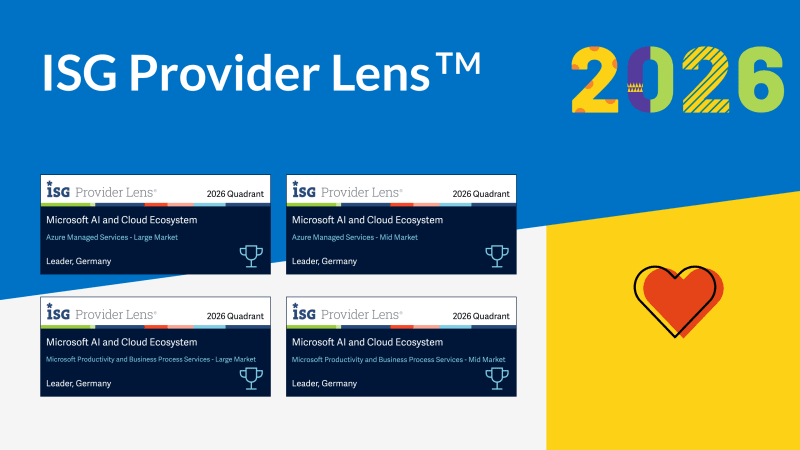
Four Times Leader. glueckkanja in the ISG Study Germany 2026
The ISG Provider Lens® study 2026 positions glueckkanja as a Leader in Germany in four quadrants: Microsoft Productivity and Business ...
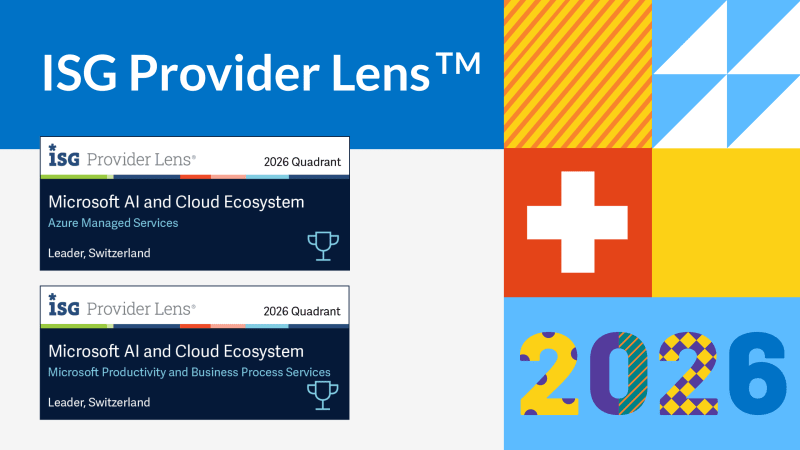
From Rising Star to Leader. glueckkanja in the ISG Study Switzerland 2026
The ISG Provider Lens® study 2026 positions glueckkanja as a Leader in Switzerland in the Microsoft AI and Cloud Ecosystem ...

Outbreak. What the OpenAI/Hugging Face incident reveals and what it doesn't
An AI agent breaks out of its test environment, finds a zero-day, and hacks another company. Sounds like a movie ...
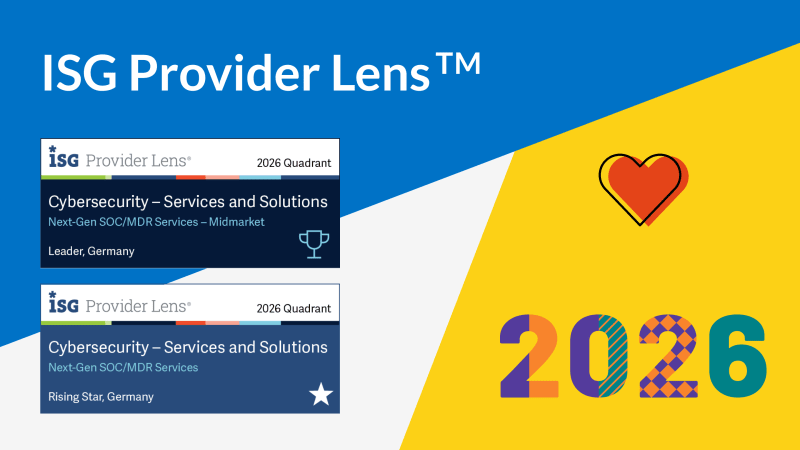
Leader and Rising Star. glueckkanja in the ISG Cybersecurity Study 2026
The ISG Provider Lens® study Cybersecurity 2026 names glueckkanja a Leader in the Next-Gen SOC/MDR Services (Midmarket) quadrant. In the ...
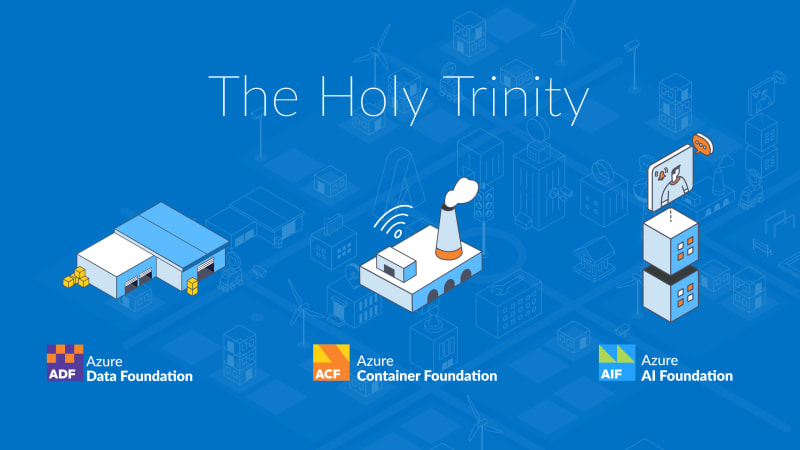
The Holy Trinity: What AI Actually Needs to Get to Work
A manufacturing company wants to know which of its 14,000 SKUs actually turn a profit. The answer sits in three ...

Contract Signed: Here's How Your Onboarding Works
Your contract is signed, the first big step is done. But what happens now? We take you behind the scenes ...

Microsoft Frontier Partner: we are among the few
Microsoft has recently introduced a new top-tier recognition within its AI Cloud Partner Program: the Frontier Partner Badge. It is ...

160 Kilometers for a Good Cause
Eleven colleagues, 16 laps, 160 kilometers, a thunderstorm, and a podium finish: glueckkanja took part in the Frankfurter Runden 2026 ...

Anatomy of an Unknown AMOS Stealer: From Alert to Immunity in Hours
A previously undocumented AMOS stealer variant compromised a macOS endpoint. No known hashes, no C2 data in any public database. ...

Why Edge Should Be Your Only Corporate Browser
The browser nobody satisfies chose became the one everybody manages. Most companies never made a deliberate decision for Chrome; it ...

No Malware Needed. Just One Admin Account.
On March 11, 2026, Handala wiped devices across 79 countries using nothing but a compromised Intune admin account. No malware, ...