

Browser Extensions as a Corporate Blind Spot
Browser extensions have long been part of the everyday digital workplace. Translators, password managers, VPNs, ad blockers, productivity tools and, increasingly, AI assistants all run directly in the browser. Millions of people use extensions like these every day. Yet very few users know which permissions they are actually granting an extension and what those permissions make possible in the worst case.
Browser extensions are anything but harmless little helpers. Depending on their permissions, they can access the content of web pages, execute scripts, read data from the clipboard or access browser cookies. Combined with broad access to websites, this can add up to considerable reach into a user's digital working environment. And that is exactly what makes browser extensions interesting to attackers.
A Small Add-on with Big Permissions
Not every permission is dangerous. What matters is what an extension can do with it. clipboardRead, for example, can make sense for a legitimate productivity or password management extension. The same permission can also be abused to read content from the clipboard, though. Copied passwords, API keys or other sensitive information can potentially end up in an attacker's hands that way.
scripting allows an extension to inject scripts into web pages. Many legitimate applications need this, for instance to modify websites or automate functions. Combined with broad host permissions, however, an extension can gain considerable influence over the content and functionality of the pages a user visits. Access to cookies is even more critical: an extension with the corresponding permissions can, under certain conditions, access session data. If such data is stolen, it can, depending on the application and its protection mechanisms, contribute to the takeover of an existing session.
So the permission itself does not make an extension malicious. But it defines what a compromised or abused extension is capable of in the first place.
When Trust Becomes an Attack Vector
Recent cases show that companies need to protect themselves against more than classic malware.
Malicious from the Start: StegoAd
A particularly striking example is the StegoAd campaign investigated by Microsoft in 2026. Microsoft removed 119 malicious Edge extensions from the Add-ons store, which together had racked up around 2.6 million downloads. They posed as ad blockers, VPNs, translators or other useful tools.
What made the case technically interesting was how the malicious code was hidden. The extensions concealed JavaScript payloads in image and font files, among other places. After installation they stayed dormant for several days before the actual malicious functionality was activated. In some cases, activation additionally depended on whether certain analysis indicators were detected. The goals were correspondingly far-reaching: credential theft, cookie theft, backdoor functionality and other abusive activities.
For companies, this case is still comparatively easy to reason about: the extension itself was the attack vector. A consistently enforced allowlist that only permits approved extensions can significantly reduce exactly this risk.
Compromised Only Later: ShadyPanda
Things get harder when an extension does not start out as malware. That is what the ShadyPanda campaign, published by Koi Security in December 2025, demonstrates. Over a period of roughly seven years, browser extensions were built up that were initially functional and inconspicuous. Over the years they accumulated around 4.3 million installations. Later, individual extensions were fitted with spyware functionality through updates. The attacker could rely on the trust that had already been established and on the browsers' normal update mechanism.
That is precisely the problem: an extension can be clean at the time of approval and still become a risk later. An allowlist initially only answers the question of which extensions may be installed. It does not automatically answer whether the same extension still has the same functionality six months later. High installation counts, good ratings or an earlier review are therefore no lasting proof of security for the version currently in use.
An Extension Does Not Have to Look Like Malware
This becomes especially relevant in a corporate environment, because extensions can access exactly the data employees work with every day. One example is Urban VPN Proxy: Koi Security reported in late 2025 that the extension was used by millions of users and was able to capture the content of conversations with AI services such as ChatGPT, Claude and Gemini and transmit it to third parties.
The case illustrates an important principle: an extension does not have to look like classic malware to get at highly sensitive information. If an employee holds an AI conversation containing confidential information in the browser and an installed extension has access to the corresponding page content, that information is potentially within the extension's technical reach. This matters particularly in a corporate setting: browser extensions sit exactly where employees handle their most sensitive information today: Microsoft 365, CRM systems, internal web applications, cloud platforms and AI assistants.
When a Legitimate Extension Becomes the Attacker's Deputy
The so-called confused deputy problem goes one step further. Here the privileged component itself is not malicious. But it holds rights the attacker does not have, and it can be manipulated into exercising those rights in a foreign context.
A recent example from security research concerns Claude for Chrome. Security researchers examined how the privileged browser functions of an AI assistant can be influenced by page content or other extensions. Among other things, they demonstrated scenarios in which an attacker could get the assistant to perform actions in the user's context. The framing matters here: this is not a case of a malicious Claude extension. Rather, the example shows what new risks arise when a legitimate, privileged extension interacts with websites on its own. For companies, this means that even an extension that is trustworthy in terms of functionality and reputation can represent a relevant attack surface.
What Companies Can Do About It
Managing extensions centrally and only permitting approved ones is the right foundation. For campaigns like StegoAd, a consistently enforced allowlist can already prevent unknown or unapproved extensions from ever reaching corporate devices. For ShadyPanda, however, that alone is not enough: the extension was inconspicuous at the time of its original approval. And in cases like Urban VPN or AI extensions open to abuse, a pure malware list is of limited help as well, because software does not have to be classified as malicious to pose a relevant risk. Companies therefore need governance at the gate and ongoing control in operation.
What Companies Should Do Now
- Build a browser extension inventory Without an inventory there is no reliable picture of which extensions are actually in use. Beyond name and version, the developer, the browser and the requested permissions in particular should be recorded. Microsoft Defender Vulnerability Management offers this kind of inventory for Edge, Chrome and Firefox on Windows devices with its Browser Extensions Assessment.
- Standardize on a centrally managed corporate browser A single browser reduces the number of separate governance surfaces and creates one central place to enforce policies. It also makes it much easier to see which extensions are used across the company and which of them are actually needed. We described in a separate post what this can look like with Microsoft Edge.
- Establish an allowlist with a working approval process Extensions should be blocked by default and only approved deliberately. The technical allowlist is only half of it: employees also need a simple, transparent process for requesting the extensions they need. Without a working approval process, an allowlist quickly turns into an obstacle that users try to work around.
- Add extra safeguards to approved extensions
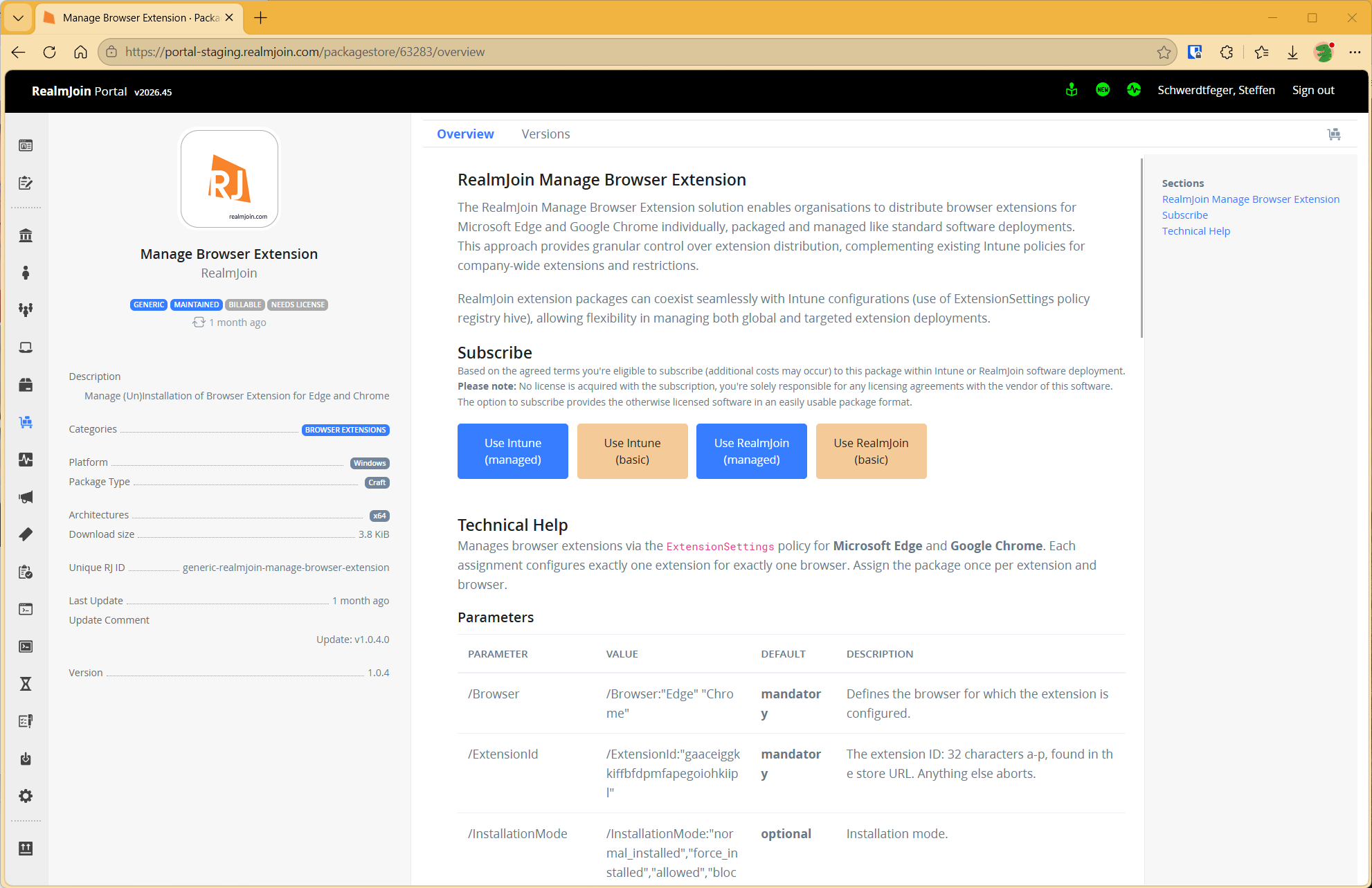
Even approved extensions should be reviewed regularly, since their trustworthiness can change over time. The RealmJoin package "Manage Browser Extension" makes it possible to manage individual extensions for Microsoft Edge and Google Chrome centrally and selectively on Windows devices, just like classic software packages. The package can run alongside existing Intune policies, which makes it suitable for rolling out individual extensions to defined user groups. In addition, minimum version, toolbar behavior, allowed or blocked URLs and permissions can be controlled at a granular level. With
BlockedHosts, for example, you can prevent browser extensions such as ad blockers from accessing sensitive corporate pages or login portals. An extension can then be used without granting it unnecessary access to particularly sensitive web content. Browser extensions can thus be deployed in a controlled and secured way.
How We Address This in the CSOC
Building on these findings, we developed two detections for our CSOC customers that cover different aspects of the risk.
The first detection checks installed browser extensions against an up-to-date threat intelligence database. It contains extension IDs that are already known to be malicious or have been identified as malicious in the past. The detection scans the customer environment for matching hits. If a known malicious extension is found, an alert is raised and the case is assessed through the established process.
The second detection goes a step further and looks for what is not on any list yet. Instead of judging individual permissions in isolation as good or bad, we combine several signals. These include the abuse potential of the requested permissions, suspicious combinations of permissions, patterns from known campaigns such as credential theft, data exfiltration or traffic manipulation, how rare an extension is within the device fleet, and naming patterns that imitate well-known brands or AI assistants. These signals produce a risk score. If it exceeds a defined threshold, the case is assessed by an analyst. We deliberately keep the exact weights and thresholds to ourselves.
The point is explicitly not to raise an alert for every unusual plugin. The detection is designed so that the majority of hits are assessed automatically and only cases with sufficiently strong combined signals are escalated for analyst review. This keeps the number of manual reviews manageable and the detection usable in day-to-day CSOC operations.
With this approach, we have identified malicious browser extensions at several customers as part of our CSOC service. The affected customers were then informed through the established process.
Conclusion
Browser extensions stopped being niche software a long time ago. They are part of the normal digital workplace and run exactly where a large share of corporate communication and data processing happens today. At the same time, some of them hold far-reaching permissions and are modified through an automatic update channel.
For companies, this means that a one-time approval is not enough. What matters is knowing at any time which extensions are in use, which rights they hold and whether their behavior or version has changed. Browser extensions do not have to be banned. But they should no longer be treated like harmless little add-ons either. They are privileged software at the heart of the modern workplace. And that is exactly how they should be secured.
Similar Posts

Autopilot Device Preparation Becomes the Standard, Hybrid Join Falls Behind
Since September, Microsoft has recommended Autopilot Device Preparation as the standard for user-driven Windows deployments. The new approach is genuinely ...

Browser Extensions as a Corporate Blind Spot
Browser extensions have long been part of the everyday digital workplace. Translators, password managers, VPNs, ad blockers, productivity tools and, ...

Who Built These Agents?
E7 bundles E5, Copilot, the Entra Suite and Agent 365. But a license doesn't clean up your tenant. Who is ...

Let´s Gossip the Cloud. Our Podcast All About Azure.
Cloud myths, Azure costs, Infrastructure as Code, DevOps, and data: in our podcast The Cloud Gossip, Sarah and Lisa talk ...

The End of MFA via SMS
Why organizations should move to phishing-resistant and passwordless authentication now.

ClickFix. When the user is the exploit, and how to stop it
ClickFix turns users into their own attacker: a fake CAPTCHA, a copy-paste, and malware runs in memory with nothing on ...
Admin Work and Everyday Work on One Machine? Game Over.
Why one tenant is not enough for CIOs, and why the second one is rarely part of the plan. The ...
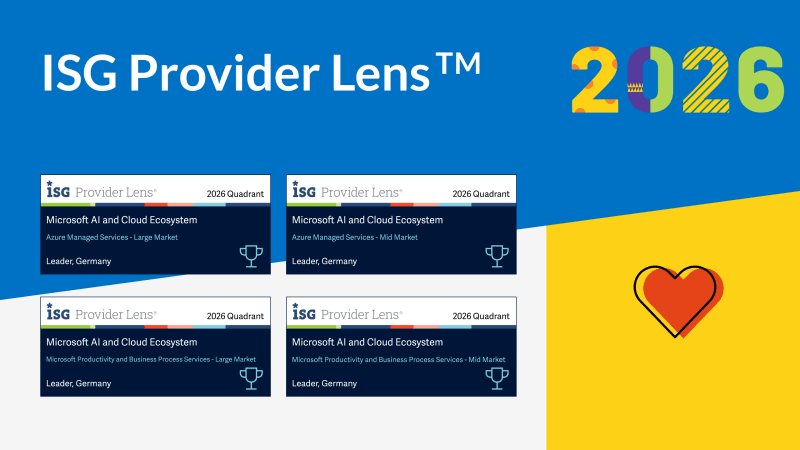
Four Times Leader. glueckkanja in the ISG Study Germany 2026
The ISG Provider Lens® study 2026 positions glueckkanja as a Leader in Germany in four quadrants: Microsoft Productivity and Business ...

From Rising Star to Leader. glueckkanja in the ISG Study Switzerland 2026
The ISG Provider Lens® study 2026 positions glueckkanja as a Leader in Switzerland in the Microsoft AI and Cloud Ecosystem ...

Outbreak. What the OpenAI/Hugging Face incident reveals and what it doesn't
An AI agent breaks out of its test environment, finds a zero-day, and hacks another company. Sounds like a movie ...
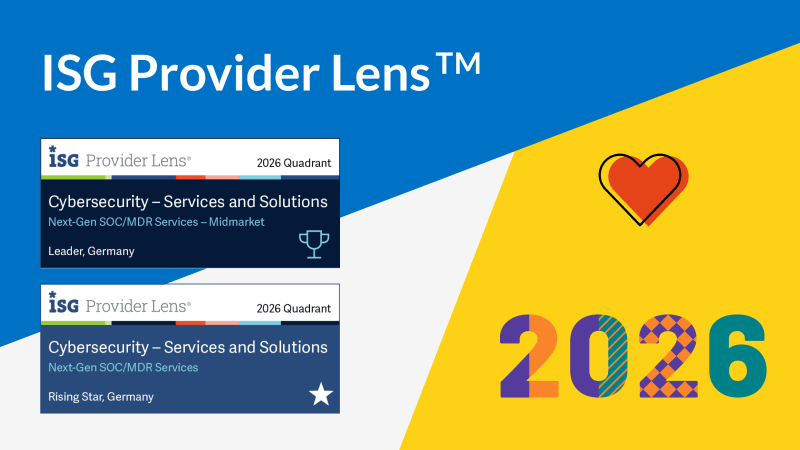
Leader and Rising Star. glueckkanja in the ISG Cybersecurity Study 2026
The ISG Provider Lens® study Cybersecurity 2026 names glueckkanja a Leader in the Next-Gen SOC/MDR Services (Midmarket) quadrant. In the ...

The Holy Trinity: What AI Actually Needs to Get to Work
A manufacturing company wants to know which of its 14,000 SKUs actually turn a profit. The answer sits in three ...

Contract Signed: Here's How Your Onboarding Works
Your contract is signed, the first big step is done. But what happens now? We take you behind the scenes ...

Microsoft Frontier Partner: we are among the few
Microsoft has recently introduced a new top-tier recognition within its AI Cloud Partner Program: the Frontier Partner Badge. It is ...

160 Kilometers for a Good Cause
Eleven colleagues, 16 laps, 160 kilometers, a thunderstorm, and a podium finish: glueckkanja took part in the Frankfurter Runden 2026 ...