

Why Edge Should Be Your Only Corporate Browser

The browser nobody satisfies chose became the one everybody manages. Most companies never made a deliberate decision for Chrome; it just showed up, brought its own sync logic, its own account layer, its own policy surface. Meanwhile, Microsoft Edge matured into a browser that plugs directly into the infrastructure enterprises already run: Entra ID, Intune, Defender. This post shows how to make that switch official, redirect Chrome to a landing page via Intune policy, and retire the complexity that comes with maintaining two browsers in parallel.

In today's enterprise environments, choosing the right browser is more than a matter of preference. It's a strategic decision that impacts security, manageability, and user productivity. While Google Chrome has long been a popular choice, Microsoft Edge has evolved into an enterprise-ready browser that offers compelling advantages, especially when using Microsoft 365 and managed through Microsoft Intune.
Security
Using a managed Microsoft Edge browser ensures that security features are consistently enforced across all endpoints. With native integration into Microsoft Defender SmartScreen, Edge provides protection against phishing, malware, and other threats. When deployed via Intune, policies can tightly control behavior, block risky extensions, and enforce safe browsing practices. glueckkanja's Managed Intune offers up-to-date Edge policies aligned with Microsoft's Security baselines.
Synchronization with Entra ID Account
Edge supports secure synchronization of user data, such as favourites, passwords, and settings, across devices via Entra ID accounts. This is especially beneficial in hybrid work scenarios, allowing users to switch between corporate laptops, virtual desktops, and mobile devices without losing context or productivity.
Avoiding Complexity: Offering Multiple Browsers Adds Overhead
Supporting alternative browsers like Google Chrome in a corporate environment often requires additional infrastructure and effort:
- Backup and Sync Strategies: Other browsers often require third-party accounts (e.g. a Google Account) to enable synchronization.
- Policy Maintenance: Each browser requires its own set of security and configuration policies. Maintaining these across multiple platforms demands ongoing effort, increases the risk of misconfiguration, and complicates audits.
Policy-Driven Chrome Redirection via Intune
To guide users from Chrome to Edge, organizations can implement a redirection policy using Microsoft Intune — ready-to-use and implemented within minutes via glueckkanja's Managed Intune. Users are greeted with a landing page that highlights Microsoft Edge as the default corporate browser, along with a one-click option to launch it directly.
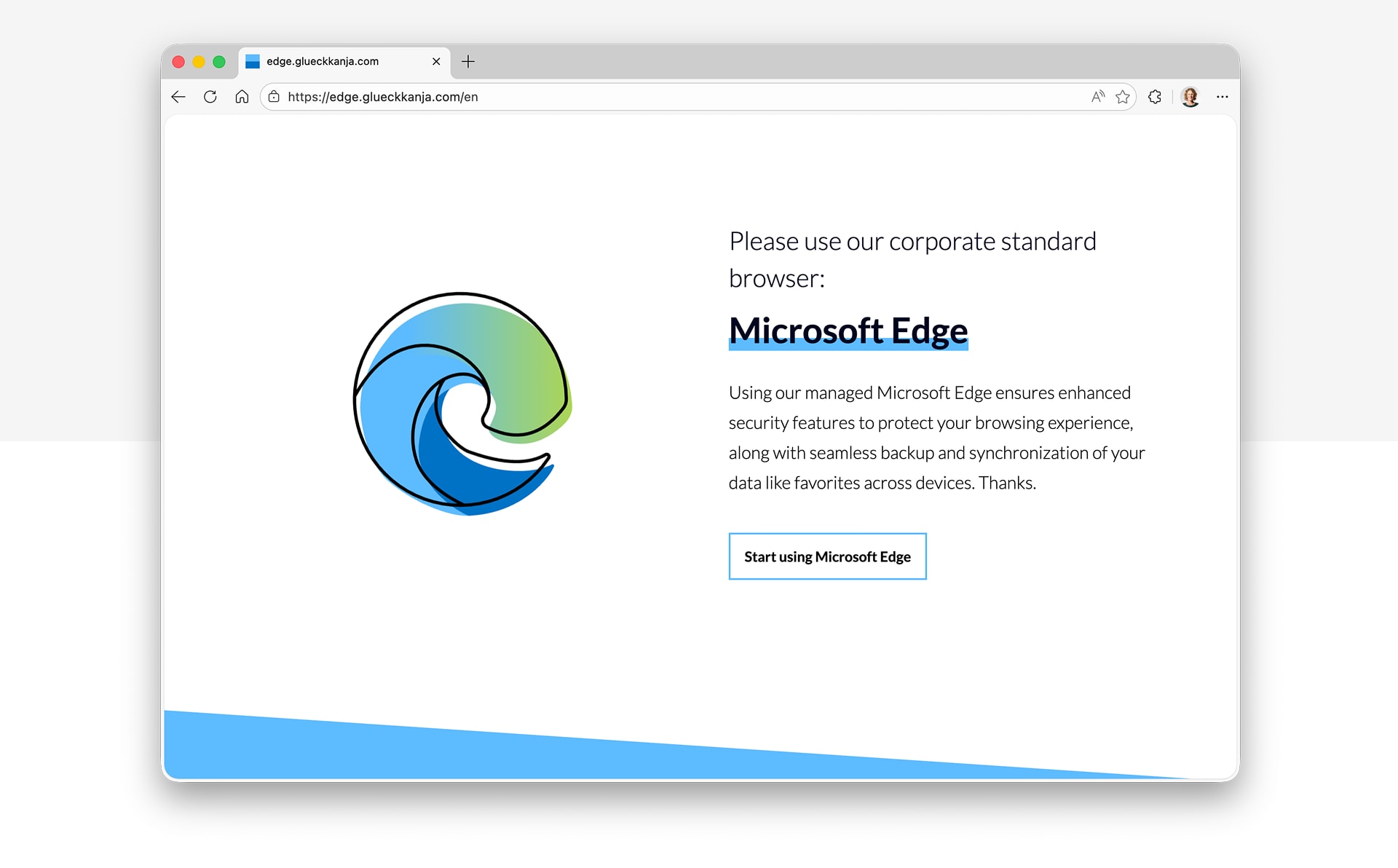
The configuration policy demonstrates how Chrome can be restricted and redirected:
- URL Allowlist: Only specific URLs like the landing page
https://edge.glueckkanja.com/and the monikermicrosoft-edge:*are permitted. - URL Blocklist: All other URLs are blocked (
*), effectively disabling general browsing in Chrome. - Homepage and New Tab Page: Both are set to the landing page that encourages users to open Microsoft Edge.
- Protocol Handling: Chrome is configured to auto-launch Edge when clicking URLs on the landing page.
- Extension Control: Additional settings restrict extension installation.
Example policy as download: Win - Default - Google Chrome - Redirect to Edge - v2.0.json
Landing Page via GitHub Pages
The website is powered by GitHub Pages. Feel free to adjust it to your needs and contribute to the GitHub project: edge-redirection-landingpage
See the landing page in action
Key Takeaways
Microsoft Edge offers a secure, manageable browsing experience with deep integration into Microsoft 365, making it the logical choice as the default corporate browser. The key advantages:
- Seamless Entra ID integration (SSO)
- Cloud-based sync and backup via Microsoft 365 account across multiple platforms
- Built-in security ecosystem (Microsoft Defender SmartScreen and Microsoft Endpoint DLP)
- Intune App Protection Policy support
- Browser management via Microsoft 365 admin center and Intune
- Internet Explorer mode for legacy compatibility
- Corporate branding
- Copilot integration
Standardizing on Edge reduces complexity, strengthens security, and simplifies support. Extending the redirection approach to other common browsers is a feasible next step as well.
Similar Posts

The End of MFA via SMS
Why organizations should move to phishing-resistant and passwordless authentication now.

ClickFix. When the user is the exploit, and how to stop it
ClickFix turns users into their own attacker: a fake CAPTCHA, a copy-paste, and malware runs in memory with nothing on ...
Admin Work and Everyday Work on One Machine? Game Over.
Why one tenant is not enough for CIOs, and why the second one is rarely part of the plan. The ...
Four Times Leader. glueckkanja in the ISG Study Germany 2026
The ISG Provider Lens® study 2026 positions glueckkanja as a Leader in Germany in four quadrants: Microsoft Productivity and Business ...
From Rising Star to Leader. glueckkanja in the ISG Study Switzerland 2026
The ISG Provider Lens® study 2026 positions glueckkanja as a Leader in Switzerland in the Microsoft AI and Cloud Ecosystem ...

Outbreak. What the OpenAI/Hugging Face incident reveals and what it doesn't
An AI agent breaks out of its test environment, finds a zero-day, and hacks another company. Sounds like a movie ...
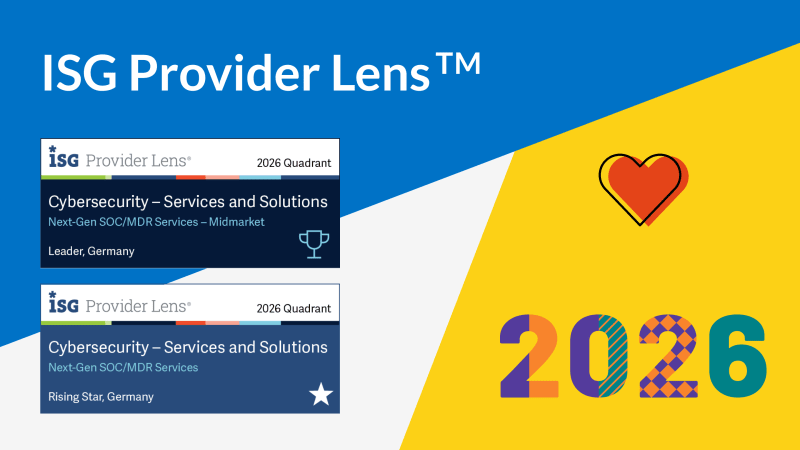
Leader and Rising Star. glueckkanja in the ISG Cybersecurity Study 2026
The ISG Provider Lens® study Cybersecurity 2026 names glueckkanja a Leader in the Next-Gen SOC/MDR Services (Midmarket) quadrant. In the ...

The Holy Trinity: What AI Actually Needs to Get to Work
A manufacturing company wants to know which of its 14,000 SKUs actually turn a profit. The answer sits in three ...

Contract Signed: Here's How Your Onboarding Works
Your contract is signed, the first big step is done. But what happens now? We take you behind the scenes ...
Microsoft Frontier Partner: we are among the few
Microsoft has recently introduced a new top-tier recognition within its AI Cloud Partner Program: the Frontier Partner Badge. It is ...

160 Kilometers for a Good Cause
Eleven colleagues, 16 laps, 160 kilometers, a thunderstorm, and a podium finish: glueckkanja took part in the Frankfurter Runden 2026 ...

Anatomy of an Unknown AMOS Stealer: From Alert to Immunity in Hours
A previously undocumented AMOS stealer variant compromised a macOS endpoint. No known hashes, no C2 data in any public database. ...

Why Edge Should Be Your Only Corporate Browser
The browser nobody satisfies chose became the one everybody manages. Most companies never made a deliberate decision for Chrome; it ...

No Malware Needed. Just One Admin Account.
On March 11, 2026, Handala wiped devices across 79 countries using nothing but a compromised Intune admin account. No malware, ...

Six Agents. Four Weeks. Real Production.
Six companies, four weeks of building, six working AI agents — that was the first glueckkanja AI Agent Hackathon. Kiekert, ...

Exchange AD Split Permissions without regrets
Even organizations that have fully migrated their mailboxes to the cloud often still run on-premises Exchange servers and with them, ...

AuthCodeFix aka ConsentFix
Just before year's end, ConsentFix emerges: a clever OAuth-based attack that abuses legitimate authentication flows to steal the authorization code, ...

Our Application Process Explained
You've discovered an exciting position with us and want to apply? Great – we're always happy to welcome new talent! ...

Cloud-first at the airport: Microsoft Partner of the Year Awards 2025
Out of more than 4,600 nominations from over 100 countries, one project stood out as a showcase of what modern ...

Preventing Cyber Attacks: How Companies Build Resilience with IT Structures
Saturday morning, somewhere in Germany. While the weekend is just beginning for many, our team notices the first warning signs ...
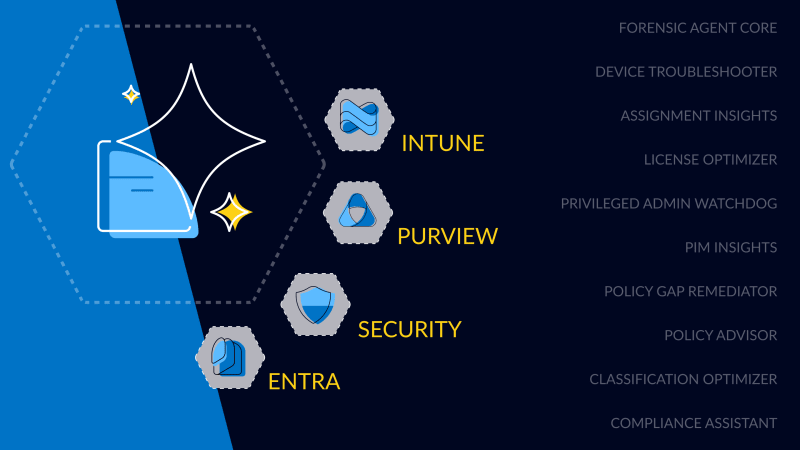
First Worldwide: glueckkanja Security Copilot Agents
glueckkanja is among the first partners in the Microsoft Security Store Preview, delivering 10 Microsoft-native Security Copilot Agents across Security, ...