

The End of MFA via SMS

Why organizations should move to phishing-resistant and passwordless authentication now.

TLDR
- Microsoft will retire its own SMS and voice call service for multifactor authentication in Entra ID on February 1, 2027.
- Global Admins and external guests get an exception until July 1, 2027.
- Since September 1, 2026, Microsoft has been prompting affected users to set up a passkey as part of a registration campaign.
- Affected are not only users who actively use SMS, but also accounts for which SMS or voice call is still allowed or registered as a method. Recovery processes such as Self-Service Password Reset need to be reviewed as well.
- Organizations should use the necessary migration to move to phishing-resistant methods and systematically reduce the remaining need for passwords.
| Date | What happens |
|---|---|
| September 1, 2026 | Passkeys are enabled as an additional method for all affected users; the registration campaign is set to "Microsoft managed". This generates the prompt to register a passkey at sign-in. |
| September 18, 2026 | Alternative third-party providers for SMS become visible in the Microsoft Security Store |
| October 30, 2026 | Third-party SMS configurable via the Security Store |
| February 1, 2027 | Microsoft's own SMS and voice call service ends for most users. If no other suitable MFA method is available, a passkey must be registered during sign-in before the user can proceed. |
| July 1, 2027 | Microsoft SMS/Voice ends for Global Administrators and external guests (B2B guests). |
Source: https://learn.microsoft.com/en-us/entra/identity/authentication/concept-sms-voice-retirement
Since September 1, 2026, Microsoft has activated a registration campaign in tenants that prompts all users enabled for SMS or voice call MFA to set up a passkey at their next sign-in. For now, users can skip this step.
The automatic registration campaign and passkey activation can be avoided temporarily. This changes nothing about the retirement date of Microsoft's own SMS and voice call service.
On February 1, 2027, Microsoft's own SMS and voice call service ends for regular users with no option to opt out. User accounts for which SMS or voice call is the only additional authentication method available need an alternative method before the deadline. Otherwise, affected users cannot successfully complete sign-ins that require strong authentication.
On July 1, 2027, Microsoft SMS/Voice will then also be switched off for Global Administrators and external guests.
The main alternatives are passkeys, Windows Hello for Business, FIDO2 security keys and, depending on the scenario, other suitable methods. Microsoft Authenticator with number matching improves protection compared to SMS, but is itself not phishing-resistant.
Anyone who must keep SMS for regulatory or operational reasons can continue to do so via a telecommunications provider from the Microsoft Security Store. This means a separate contract, and billing is expected to be per message. The providers become visible on September 18 and configurable on October 30. In other words, Microsoft will no longer operate the service itself, but leaves it to external providers.
A detail that is often overlooked: affected is not who uses SMS, but who is enabled for it. Someone who has been using the Authenticator app for years but still has a phone number registered as a backup is just as affected as people who have been waiting for the text code on a regular basis. In most tenants, that has historically been a clear majority. And one more thing matters: the retirement does not only affect sign-in. The change also affects Self-Service Password Reset: SMS and voice call will no longer be available as Microsoft-provided verification methods for it. Organizations therefore need to review which alternative methods are in place for password reset and account recovery.
Why Microsoft is doing this
You can read this decision as paternalism. You can also read it as what it is: an admission that SMS no longer provides adequate protection against modern real-time phishing and SIM swap attacks.
The typical attack on a Microsoft 365 account today no longer consists of guessing a password. Instead, the user lands on a sign-in page that looks deceptively similar to the real one and enters their credentials and the MFA code there. The attacker uses both in real time to sign in and receives a session token that lets them take over the user's identity. Such tools are now offered as scalable attack services on the dark net. Automation and AI further lower the effort required for credible phishing campaigns.
Phishing-resistant methods like passkeys work differently. A passkey is firmly bound to the web address it was set up for and cannot be used on a fake website. Even sophisticated attacks in which fraudsters silently relay the sign-in to the real page come to nothing: the browser recognizes that it is not on the correct address and does not even offer the passkey. Even if a response were to reach the real service, it would contain the wrong address in a tamper-proof way, and the service would reject it. The verification no longer rests with the human, but with the technology, secured by cryptography. Users no longer have to figure out themselves whether a website is genuine. That is what distinguishes passkeys from passwords and classic two-factor sign-in. Windows Hello for Business, FIDO2 security keys and passkeys in Microsoft Authenticator use comparable phishing-resistant principles. For operations and user experience, however, they are not identical: device binding, synchronization, recovery and supported platforms differ and need to be evaluated per persona. The technology has been around for years. What is new is that Microsoft is now making it the standard.
Banks, by the way, went down this road a few years ago. Most institutions voluntarily retired the SMS TAN, long the most common approval method in online banking, and replaced it with device-bound or transaction-bound methods such as pushTAN, photoTAN and chipTAN. The technical implementation differs, but the goal is similar: approvals should be bound more tightly to a registered device and the specific transaction. The reasons resemble today's: SIM swapping, intercepted messages and real-time phishing.
For organizations under NIS2, DORA or ISO 27001, it is becoming increasingly difficult to justify weak authentication methods as appropriate. Phishing-resistant methods therefore strengthen not only technical security, but also the ability to provide evidence to management, internal audit and regulators.
Can you get rid of the password?
Anyone who is already inventorying authentication methods, informing users and introducing new sign-in methods as part of the migration should also examine where passwords are still actually needed. For supported applications, a passkey can replace both the password and the second factor. Combined with Windows Hello for Business on the notebook and a passkey in Microsoft Authenticator, passwordless sign-in to common Microsoft services is possible, and with suitable configuration, so is access to on-premises Active Directory resources.
Onboarding for new employees can be designed accordingly. Instead of an initial password, a time-limited Temporary Access Pass can be used, which Entra ID recognizes as a fully valid MFA and sign-in method. The first sign-in to the device provisioned via Autopilot happens with it. Windows Hello and a passkey are set up afterwards. Once the Temporary Access Pass expires, no password is required for regular sign-in anymore.
In the target state, employees neither need to know nor enter their password in everyday work. This significantly reduces phishing risks and the need for password resets.
Where it gets tricky in practice
glueckkanja regularly supports these migrations. The difficulties rarely lie in the technology. They lie in the details of the implementation.
Enabled is not enforced. Merely enabling passkeys does not ensure they are used for every relevant sign-in. "System-preferred MFA" also only prioritizes the strongest available method, but does not enforce a binding access requirement. If a resource is to be reachable exclusively with phishing-resistant authentication, this must be enforced via a suitable Authentication Strength in Conditional Access. Otherwise, weaker fallback methods can still be offered. The passkey would then be mere decoration.
A realistic rollout follows four steps:
- Inventory. Who is enabled for SMS and voice call? Who has a phone number registered, and who actually used it recently? Has the tenant been migrated to the new authentication methods policy? Which guest users exist, and do they have their own tenants?
- Persona decision. Which passkey profile (device-bound or synced) fits which user group, and which Conditional Access policies with Authentication Strength enforce it in a binding way? How do you handle shared devices and external users? What about employees without a smartphone? Do you want to trust partner organizations with guest users for MFA?
- Pilot and campaign. The migration is first tested with a pilot group. This is followed by a registration campaign with accompanying communication and a limited grace period. Well-prepared users mean fewer questions and less additional load on the service desk. Exceptions need an expiration date before February 1, 2027.
- Cutoff. Only after the registration campaign is complete are phone numbers removed as an MFA method and SMS disabled in the policy. The cutoff deliberately happens before the Microsoft deadline, making it possible to verify that no users are still affected.
A special case applies to B2B guests: different registration and trust models apply to external users than to internal accounts. Check whether MFA from the home tenant can be established via Cross-Tenant Access Settings and which alternative is planned for guests without their own Entra tenant. As of September 19, 2026, Microsoft plans to make passkey support for internal guest users available by October. The more common case of external guests (B2B) will receive passkey support later, with the date still to be announced. Presumably to buy some more time, the availability of SMS and voice call for external guests was extended to July 2027.
Until then, suitable transition methods or trust-based cross-tenant scenarios need to be in place.
What passkeys do not solve: Phishing-resistant sign-in protects the authentication process, not automatically every already existing session. Malware, compromised browsers and stolen session tokens remain relevant risks. Authentication Strength, device compliance, endpoint protection, risk-based access decisions and suitable session controls should therefore be planned together. This reduces the risk and, where device compliance is strictly required, limits access to appropriately managed devices.
How we approach it
At glueckkanja, we treat identity and endpoint as one shared control system. Policies for authentication methods, passkey profiles, Authentication Strengths, Conditional Access and Intune are defined transparently, versioned and rolled out automatically following Infrastructure as Code (IaC) principles. This makes it possible to document the target state and deviations, and to prove changes in a versioned way. It creates a solid foundation for operations, management and audits, without having to reconstruct the state manually in portals.
This approach is part of our services Managed Entra and Managed Intune. They combine technical blueprints, continuous adjustment and traceable configuration.
Conclusion
Seen this way, the end of SMS is not a nuisance, but a welcome occasion. It forces an inventory that was long overdue. And it opens the door to an identity in which the weakest link no longer exists: the password in a person's head.
If you want to know where your tenant stands today, we are happy to run an initial assessment with you. Get in touch!
Similar Posts

The End of MFA via SMS
Why organizations should move to phishing-resistant and passwordless authentication now.
ClickFix. When the user is the exploit, and how to stop it
ClickFix turns users into their own attacker: a fake CAPTCHA, a copy-paste, and malware runs in memory with nothing on ...
Admin Work and Everyday Work on One Machine? Game Over.
Why one tenant is not enough for CIOs, and why the second one is rarely part of the plan. The ...
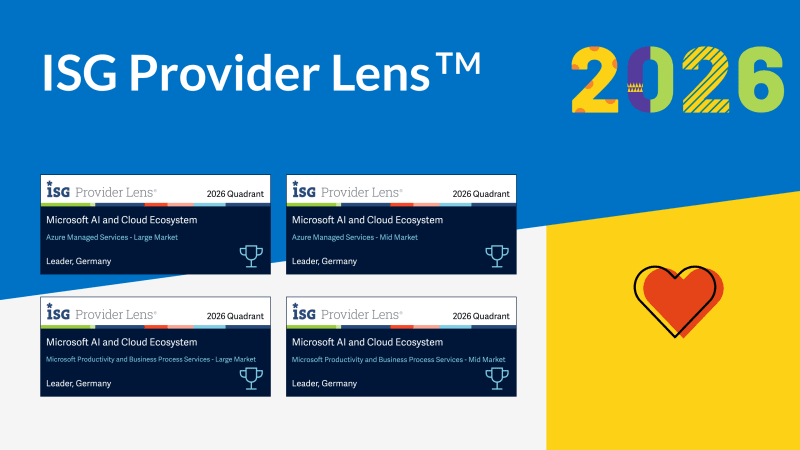
Four Times Leader. glueckkanja in the ISG Study Germany 2026
The ISG Provider Lens® study 2026 positions glueckkanja as a Leader in Germany in four quadrants: Microsoft Productivity and Business ...
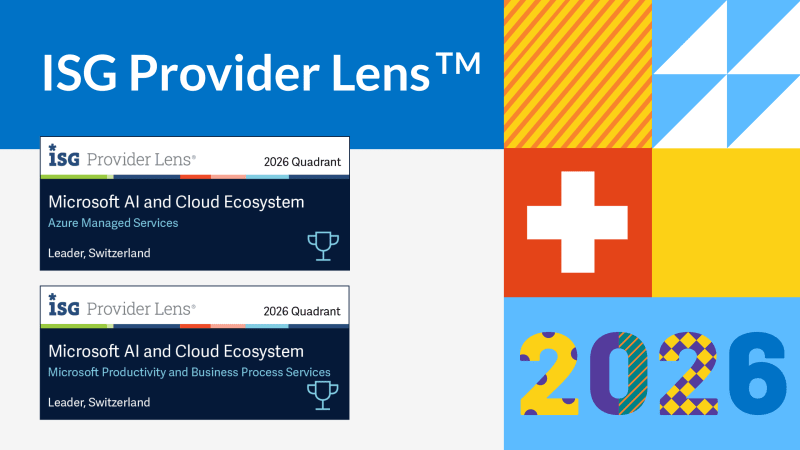
From Rising Star to Leader. glueckkanja in the ISG Study Switzerland 2026
The ISG Provider Lens® study 2026 positions glueckkanja as a Leader in Switzerland in the Microsoft AI and Cloud Ecosystem ...

Outbreak. What the OpenAI/Hugging Face incident reveals and what it doesn't
An AI agent breaks out of its test environment, finds a zero-day, and hacks another company. Sounds like a movie ...
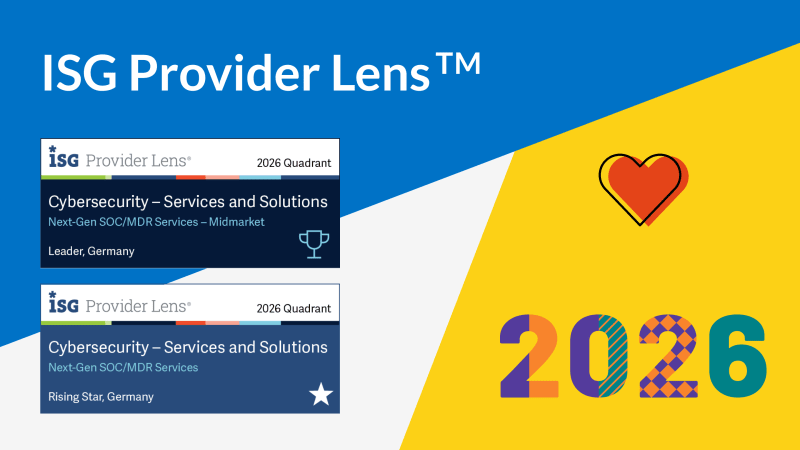
Leader and Rising Star. glueckkanja in the ISG Cybersecurity Study 2026
The ISG Provider Lens® study Cybersecurity 2026 names glueckkanja a Leader in the Next-Gen SOC/MDR Services (Midmarket) quadrant. In the ...
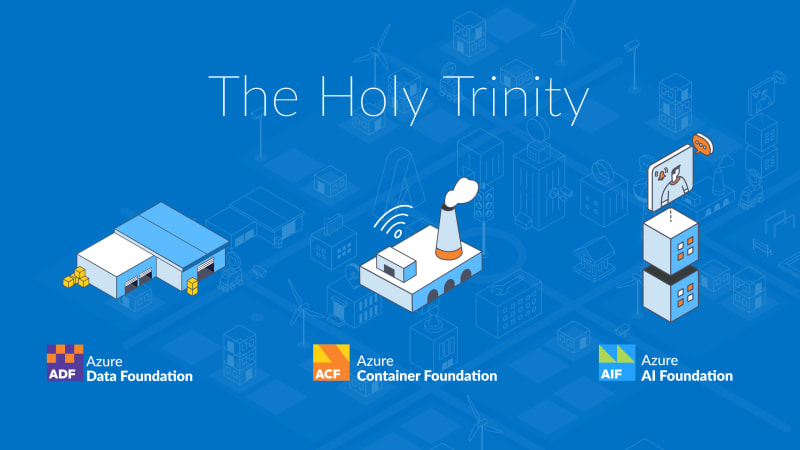
The Holy Trinity: What AI Actually Needs to Get to Work
A manufacturing company wants to know which of its 14,000 SKUs actually turn a profit. The answer sits in three ...
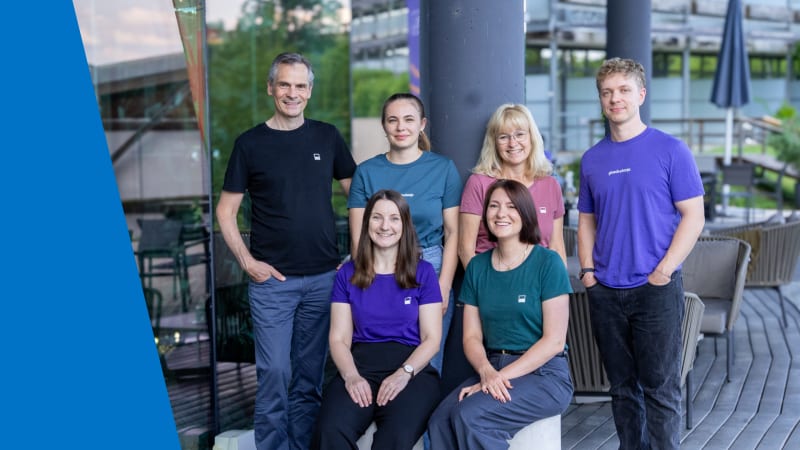
Contract Signed: Here's How Your Onboarding Works
Your contract is signed, the first big step is done. But what happens now? We take you behind the scenes ...
Microsoft Frontier Partner: we are among the few
Microsoft has recently introduced a new top-tier recognition within its AI Cloud Partner Program: the Frontier Partner Badge. It is ...
160 Kilometers for a Good Cause
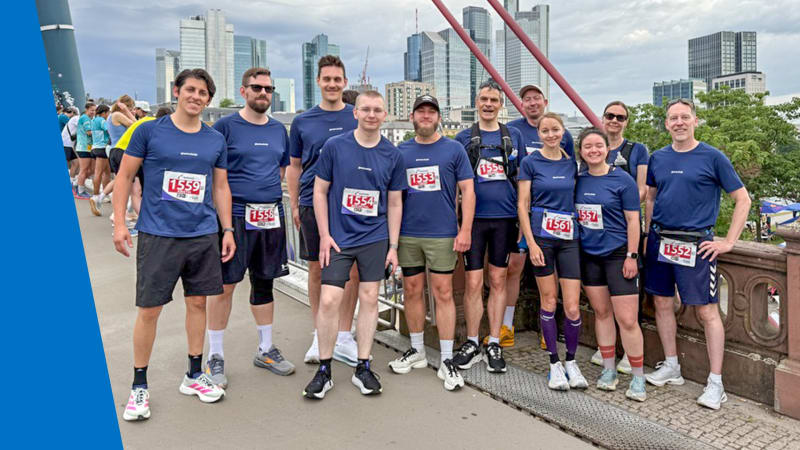
Eleven colleagues, 16 laps, 160 kilometers, a thunderstorm, and a podium finish: glueckkanja took part in the Frankfurter Runden 2026 ...

Anatomy of an Unknown AMOS Stealer: From Alert to Immunity in Hours
A previously undocumented AMOS stealer variant compromised a macOS endpoint. No known hashes, no C2 data in any public database. ...
Why Edge Should Be Your Only Corporate Browser
The browser nobody satisfies chose became the one everybody manages. Most companies never made a deliberate decision for Chrome; it ...
No Malware Needed. Just One Admin Account.
On March 11, 2026, Handala wiped devices across 79 countries using nothing but a compromised Intune admin account. No malware, ...
Six Agents. Four Weeks. Real Production.
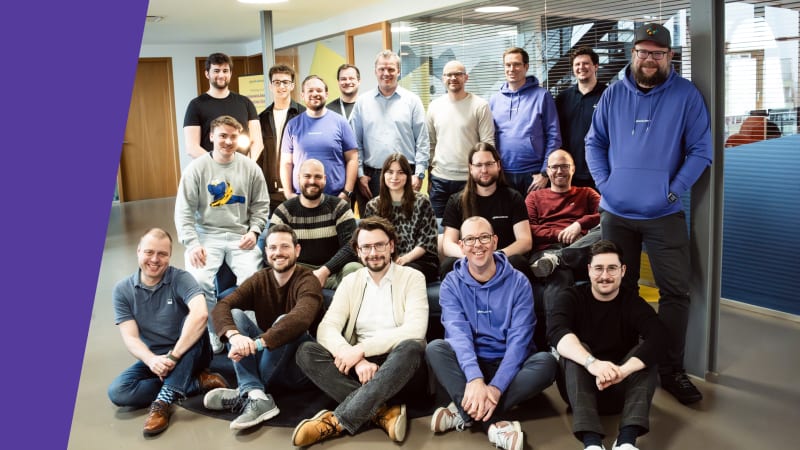
Six companies, four weeks of building, six working AI agents — that was the first glueckkanja AI Agent Hackathon. Kiekert, ...
Exchange AD Split Permissions without regrets
Even organizations that have fully migrated their mailboxes to the cloud often still run on-premises Exchange servers and with them, ...

AuthCodeFix aka ConsentFix
Just before year's end, ConsentFix emerges: a clever OAuth-based attack that abuses legitimate authentication flows to steal the authorization code, ...
Our Application Process Explained
You've discovered an exciting position with us and want to apply? Great – we're always happy to welcome new talent! ...
Cloud-first at the airport: Microsoft Partner of the Year Awards 2025
Out of more than 4,600 nominations from over 100 countries, one project stood out as a showcase of what modern ...

Preventing Cyber Attacks: How Companies Build Resilience with IT Structures
Saturday morning, somewhere in Germany. While the weekend is just beginning for many, our team notices the first warning signs ...
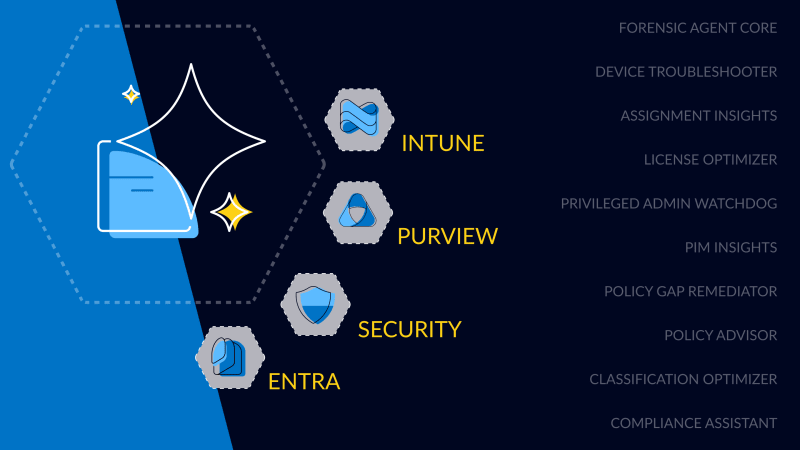
First Worldwide: glueckkanja Security Copilot Agents
glueckkanja is among the first partners in the Microsoft Security Store Preview, delivering 10 Microsoft-native Security Copilot Agents across Security, ...